Background Service
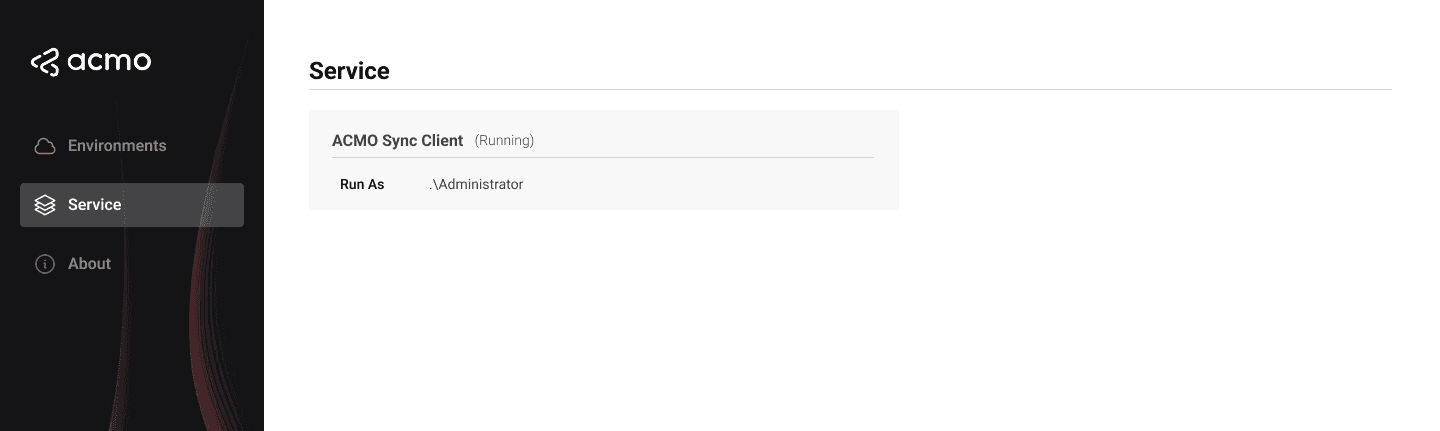
The ACMO Sync Client includes a Windows background service that runs all active connections for the machine. The Service page within an environment workspace provides a convenient way to view the service without using the Windows Services console directly.
Although the service is shared across all environments on the machine, all configuration exposed in the Sync Client user interface remains environment scoped.
Purpose of the service
The ACMO Sync Client Service:
- Monitors File connections’ watch folders
- Performs uploads and downloads according to connection definitions
- Runs even when the desktop application is closed
- Does not require a user session to be logged in
For reliable operation, the service should run under an account that:
- Has permission to access the relevant local and network folders
- Has permission to access any required network resources
- Has permission to run as a service on the host machine
Service Screen
Within an environment workspace, the Service screen shows:
-
Service name
- For example
ACMO Sync Client Service.
- For example
-
Service status
- Running
- Stopped
- Not installed
-
Run as user
- Username (for example
DOMAIN\ServiceAccount)
- Username (for example
Relationship with Windows Services
The Windows Services console (services.msc) can be used to review or modify the service configuration directly.
With the service correctly configured and running, all Active connections for each environment will be executed in the background as defined.